Last updated: 26 September 2026 · Covers automagisk.app, Automagisk for Mac, Automagisk for iPhone and Automagisk for Windows (beta)
In short
- Your meetings, the audio and the voiceprints stay on your devices and in your own iCloud. We have no access to any of it.
- Text is only sent to the AI provider you picked yourself, with your own subscription or your own key.
- For the licence we store your email address, an anonymous code for the machine and its name.
- The website measures nothing until you have said yes in the banner.
1. Data controller
Appit AS, company no. 933 898 210, Kokstadveien 41, 5257 Kokstad, Norway, is the data
controller for personal data we collect through automagisk.app and the apps. Contact:
trond@appit.ai, tel. +47 56 32 00 00 / mobile +47 401 88 800.
In the App Store, Automagisk for iPhone is listed under Trond Klæboe, the developer account
the app is published from. Appit AS is still the data controller, for the iPhone app too.
2. What we collect
- Licence: your email address, an anonymous code that identifies the machine (we never store the machine's actual serial number), the name the machine has in macOS, which version of Automagisk it last ran, when the trial started, and when the app last checked the licence.
- Purchases: payment happens at Stripe. We receive the email address and whether the subscription is active, never the card details.
- Enquiries: whatever you send us by email, or write in the chat on the website.
- Send me the link by email: the address you enter is used to send one email with the link, and is not stored by us. The email is sent through SendGrid (Twilio), which processes the address on our behalf.
- The website: no tracking cookies until you have said yes in the banner. If you say
yes, the Meta pixel, the OpenAI pixel and Microsoft Clarity measure visits from ads and how
the site is used. If you say no, nothing is set. Whatever you choose, we count how many times
the app is downloaded, and which site or ad linked here. We store neither IP addresses nor
browser details, so we cannot tell whether two downloads came from the same person.
3. Automagisk for Mac
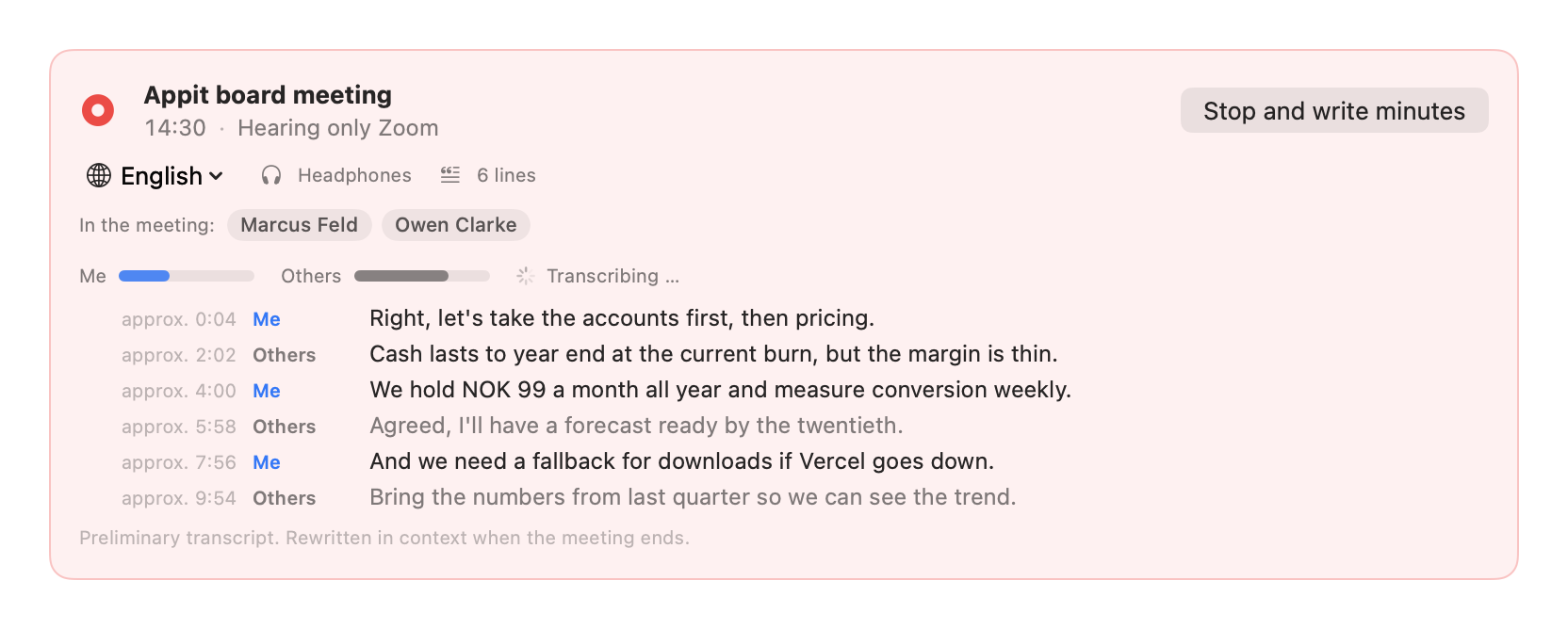
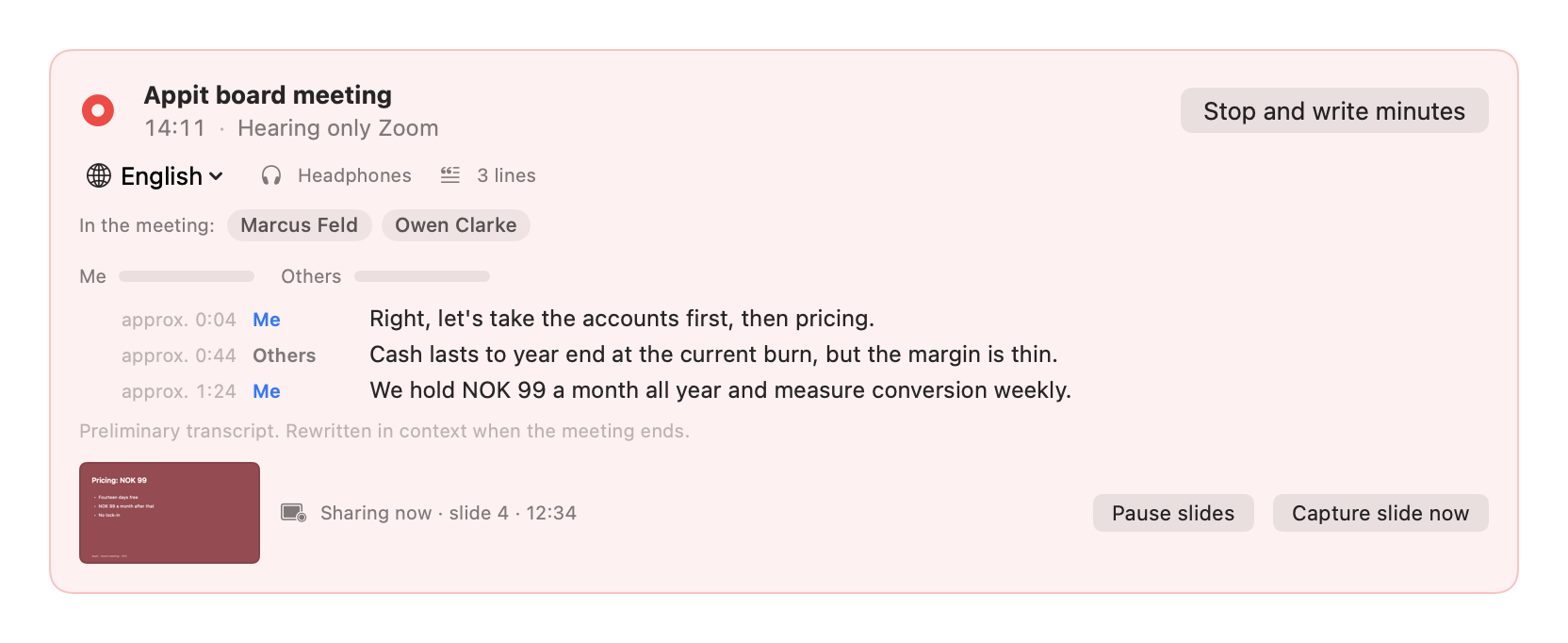
- Recording and transcript: the audio from the meeting app and the microphone is recorded on the Mac, and the transcript is written on the Mac, with speech models that run locally. The recording sits encrypted until you have read the minutes, and is deleted after a day either way.
- Voiceprints: for the app to recognise who is speaking, a voiceprint is stored per person, encrypted on the Mac. It never leaves the machine, not even with iCloud sync. You can forget one voice or all of them in Settings.
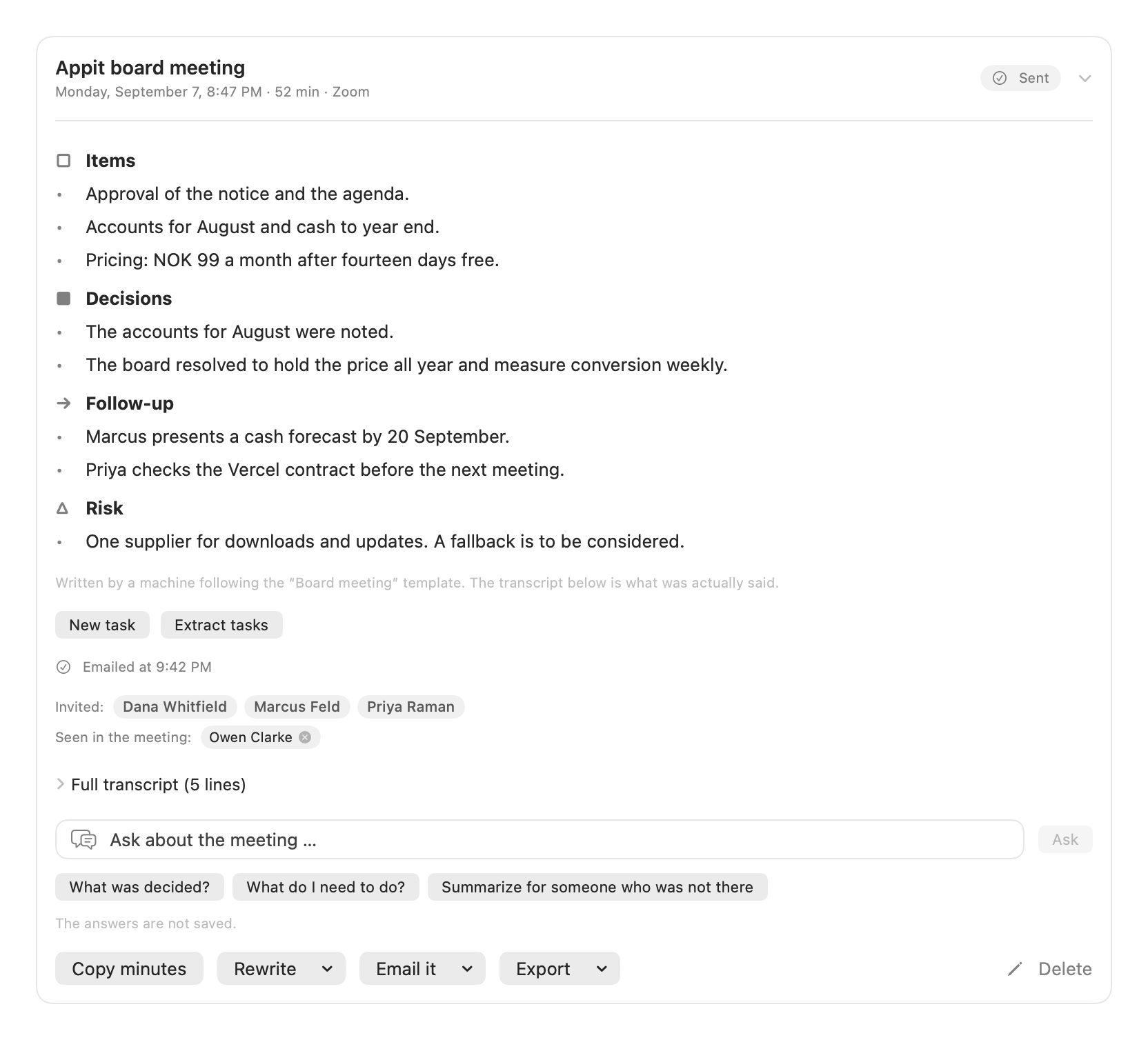
- The minutes: when the meeting ends, the transcript is sent to the AI provider you picked for minutes, with your own subscription or your own key. If you pick a local model, the minutes are written on the Mac. The provider's terms apply to what you send them. We never see the text.
- Routines: your routines, logs and the content they handle are stored on the Mac. API keys and sign-ins are stored in the macOS keychain. Content is only sent to the AI provider you picked, and never to Appit. If you connect Composio to use services like Gmail or Slack, those steps go through Composio with your own account, under your agreement with them. The same goes for other services you connect yourself.
- Speech models and updates: the speech models are downloaded from Hugging Face the first time they are needed, and the app asks automagisk.app whether a new version exists. Neither sends anything about you.
- The app sends us no crash reports or usage statistics.
4. iCloud sync
If you turn on iCloud sync, your meetings are shared between your Macs and the iPhone app
through your own private iCloud database at Apple. Each meeting is encrypted on the Mac before
it leaves the machine, with a key only you hold, and the key is only shared through your iCloud
Keychain. Audio and voiceprints are never synced. Appit has no access to the database.
5. Automagisk for iPhone
- The app shows the meetings your Mac made. It fetches them from your own iCloud and opens them on the phone with the key from your iCloud Keychain. Nothing is recorded or made on the phone.
- If you tick off an action item or edit a meeting, the change is encrypted on the phone and stored in your own iCloud, so your Macs see it.
- “Add to Reminders” puts an action item in Reminders on the phone, and only when you ask. The app asks for access the first time.
- The app has no analytics, no tracking and no ads, and sends nothing to Appit.
6. Automagisk for Windows (beta)
- Recording and transcription: the sound from the meeting app and the microphone is recorded on the PC, and the transcript is written on the PC, with speech models that run locally. The audio, the transcript and the minutes are stored encrypted on the PC, with a key locked to your Windows user through Windows DPAPI. A copy of the folder cannot be read on another PC or by another user.
- The minutes: the first time an AI connection is used, the app asks before anything is sent, and says what will be sent and to whom. Only the text you say yes to goes to the connection you chose, with your own subscription or your own key, straight from the PC. The audio is never sent, and nothing passes through Appit. The provider's terms apply to what you send them.
- Sign-ins and keys for the AI connections are stored encrypted for your Windows user on the PC.
- Speech models and updates: the speech models are downloaded from Hugging Face when you ask for them, and the app checks GitHub for a new version when it starts. Neither sends anything about you.
- The beta has no account, no licence and no tracking, and sends nothing to Appit. Meetings on the PC are not synced to other machines.
7. Legal basis and purpose
Licence and purchase data are processed to fulfil the agreement with you (GDPR art. 6(1)(b)),
that is, to give you access to the software you are trying or subscribing to. Enquiries are
processed so we can answer you (legitimate interest, art. 6(1)(f)). Measurement on the website
only happens with consent (art. 6(1)(a)), and you can withdraw it at any time under “Tracking
choices” at the bottom of the page.
8. Sharing and processors
We never sell your data. It is only shared with the processors that run the service for us:
the provider of hosting and operation of the website (Vercel), the provider of the licence
database (Supabase, stored in the EU), the payment provider (Stripe) when you pay, and SendGrid
(Twilio) for sending email. SendGrid only gets the email address you enter in “Send me the link by
email”, once, to send the link. Data processing agreements are in place with all of them. The chat on the website is Snakk, Appit's
own service, and the conversation is stored there. Apple and the AI provider you pick, you use with your own
account, under your own agreement with them.
9. Retention
Licence data is kept while the subscription is active, and deleted on request. Payment data
must be kept for five years for accounting purposes, counted from each monthly payment. Your
meetings stay with you: on your Macs, on your phone and in your own iCloud. If you delete a
meeting on the Mac, it disappears from the other devices too.
10. Your rights
You have the right of access, rectification, erasure, restriction and data portability, and to
withdraw consent at any time. Write to trond@appit.ai and we will sort it out without fuss. You
can also complain to the Norwegian Data Protection Authority (datatilsynet.no).
11. Changes
If we make material changes to this policy, we will say so on the website. The date at the
top always shows the latest version.